
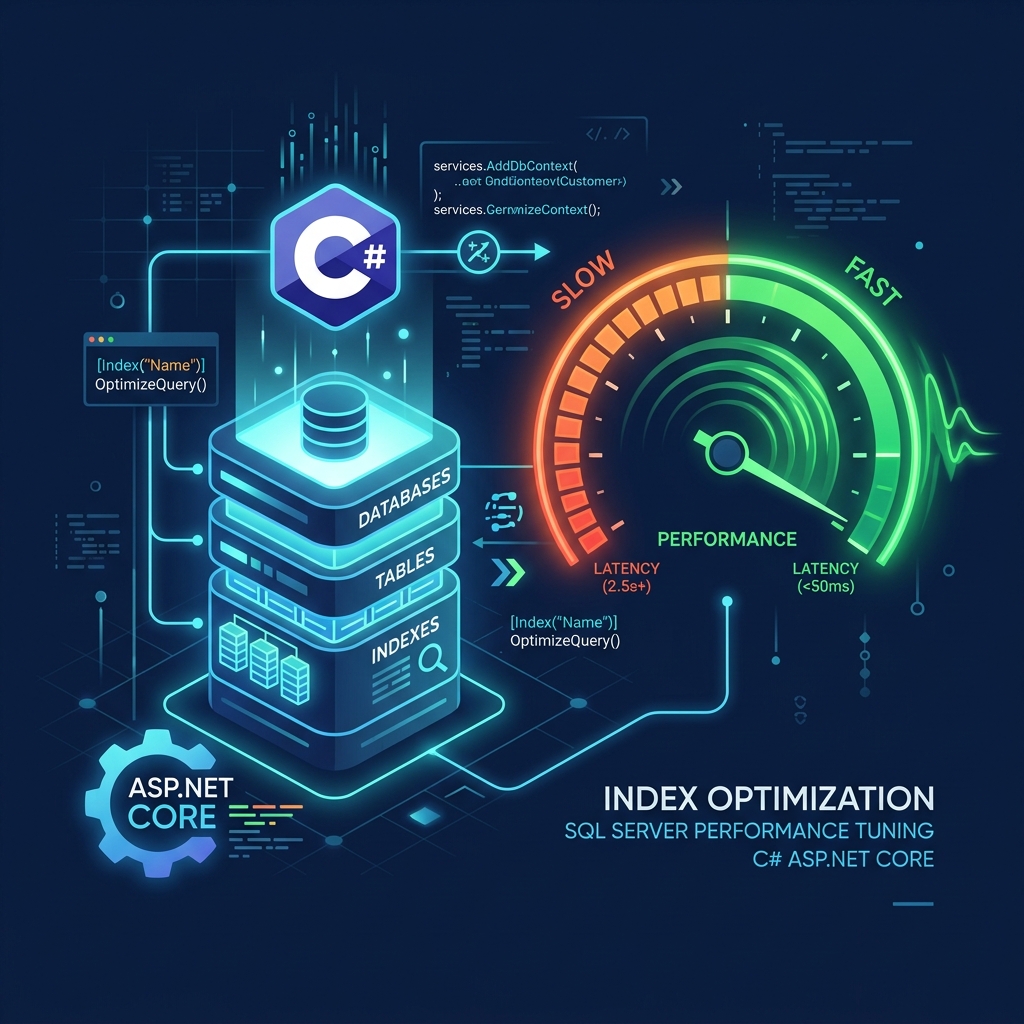
In modern enterprise software platforms, database performance is the single most common bottleneck impacting system scalability and user experience. As your application grows and database tables scale from thousands to millions of rows, once-speedy search queries start slowing down, transaction timeouts begin occurring, and server CPU usage spikes to 100%.
When database slowdowns occur, many businesses make a costly mistake: they immediately buy larger, more expensive cloud servers. However, throwing more hardware at a bad database design is a temporary and highly expensive fix. By implementing SQL Server Performance Tuning techniques in your ASP.NET Core application—such as query plan analysis, proper index design, and optimized Entity Framework Core query compiling—you can speed up query execution times by up to 10x while reducing hosting bills dramatically.
What is an Index Seek vs. Table Scan?
Think of your database table as a thick book. If you ask the database to find an order by customer email, and there is no index, it must read every single page from cover to cover to find matches. This is a Table Scan, which is extremely slow and resource-heavy. An Index Seek is like using the index pages at the back of the book to jump directly to the exact page, retrieving data in milliseconds.
1. Query Performance Breakdown Dashboard
Deploying SQL queries without indexing results in high latency and server stress. Below is a latency comparison of a search query executed on a table containing 5 million records:
Table Scan Execution
SQL Server reads millions of pages off the disk, locking the tables and slowing other requests.
Index Seek Execution
Uses non-clustered indexes to query only the matching rows instantly, keeping disk read to zero.
2. The 4-Step DB Performance Troubleshooting Pipeline
To safely identify and resolve slow database queries, your development team must establish a structured diagnostic workflow:
Query Profiling
Use SQL Server Profiler or OpenTelemetry logging inside ASP.NET Core to locate database requests taking longer than 400ms.
Execution Plan Audit
Generate the SQL Execution Plan XML to check if the database is running a Table Scan, Index Scan, or a clean Index Seek.
Index Optimization
Apply targeted non-clustered covering indexes with include columns matching your SQL filter predicates.
EF Core Compiling
Rewrite C# LINQ queries to disable tracking for read-only queries, eliminating CPU memory overhead inside .NET middleware.
3. Database Health Audit Table Checklist
The table below maps common software bottlenecks in Entity Framework Core systems to their recommended database performance tuning resolutions:
| Performance Bottleneck | Why it slows down | EF Core & SQL Resolution |
|---|---|---|
| EF Core N+1 Query Loop | Executing a separate SQL select query for every child record in a loop, flooding the database with hundreds of requests. | Replace lazy loading with eager loading, using join statements to fetch all parent-child records in a single database call. |
| Missing Foreign Key Indexes | SQL Server automatically indexes Primary Keys, but not Foreign Keys, making search joins across tables slow down. | Apply custom non-clustered indexes on all foreign key columns referenced in your join statements. |
| Tracking Read-Only Queries | By default, EF Core tracks changes in memory for all loaded records, causing C# memory bloat. | Apply the C# No-Tracking attribute to all read-only LINQ select queries to bypass the tracking cache completely. |
| SQL Parameter Sniffing | SQL Server compiles a query plan optimized for the first parameter received, which might be extremely inefficient for other queries. | Use SQL query hints or compile options to force SQL Server to optimize queries for average parameters. |
Architect's Tip: Set Database Command Timeouts
Never allow SQL database commands to execute infinitely. Configure strict connection and command timeouts (e.g. 15-30 seconds max) inside your .NET database context setup. This ensures that a single locked database query cannot hang all web server threads and take down your entire application.
Partner with Krista Technology to Scale Your Databases
Diagnosing slow SQL queries, writing optimized C# LINQ structures, configuring database clusters, and tuning Entity Framework Core performance requires senior-level backend engineering skills. At Krista Technology, we are a Microsoft Solutions Partner helping businesses optimize legacy SQL Server setups, migrate data pipelines, and scale high-performance C# platforms globally.
If your database is running slowly, experiencing high CPU usage, or if you want to hire a team of dedicated database architects, contact our dedicated .NET & SQL Solutions Engineers today for a free technical consultation and performance audit estimate.