
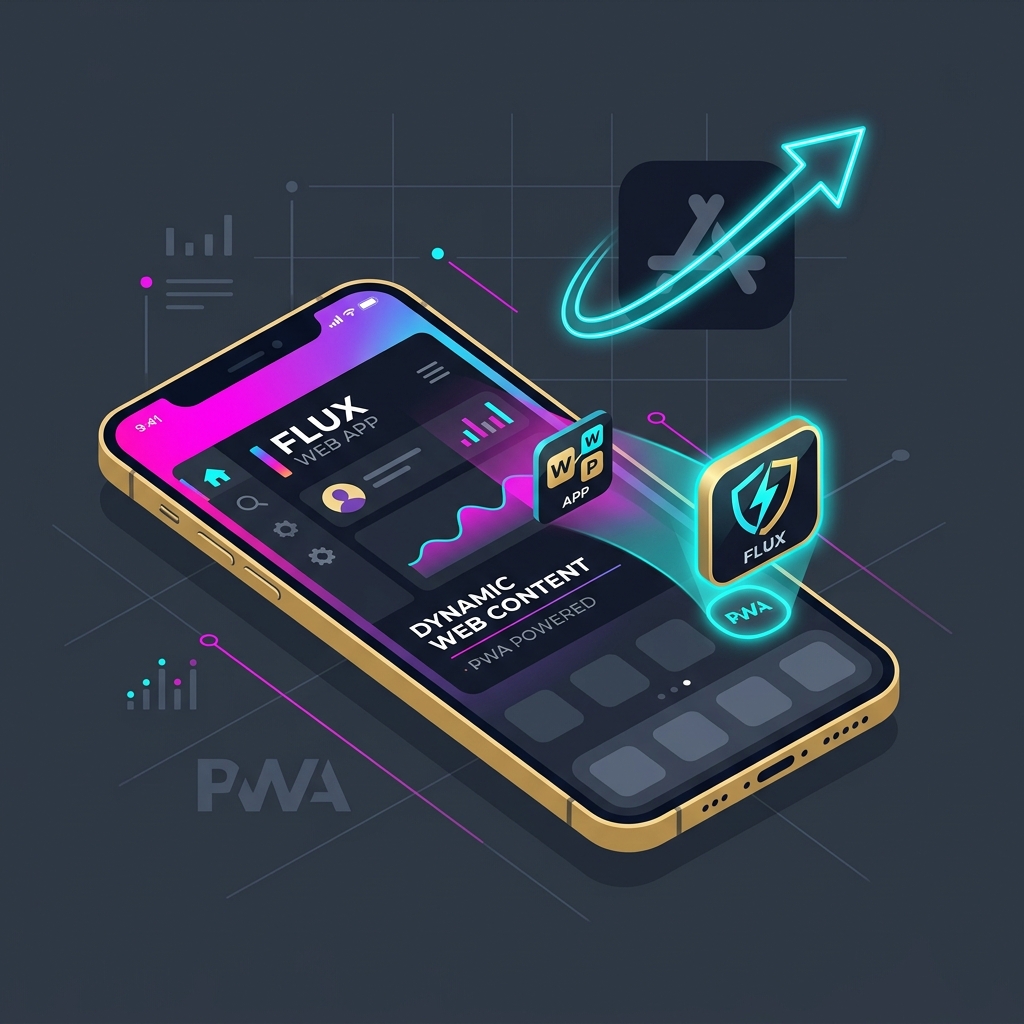
For businesses looking to launch a mobile application, the traditional app store deployment model presents major financial and administrative barriers. The process of getting approved by Apple App Store and Google Play Store requires compliance audits, weeks of review delay, and a perpetual 15% to 30% commission cut on all in-app transactions. For startups and enterprise platforms, this distribution model slows down feature iterations and drains budgets.
The alternative is a Progressive Web App (PWA). Using Next.js and React, web applications can now deliver native mobile app experiences directly through the browser. A PWA installs instantly onto the user's home screen, loads instantly without internet access, and sends real-time push notifications. By building a high-performance Next.js PWA, your business can bypass the app stores completely, optimize distribution, and capture mobile audiences cost-effectively.
What Makes a Web App a Progressive Web App?
A PWA is a website that utilizes modern web APIs to provide a native mobile feel. By configuring a web app manifest file and installing service worker scripts in Next.js, the browser gains the ability to cache assets offline, access native device sensors (like camera and geolocation), and run background network sync tasks. It offers the reach of the open web combined with the rich experience of a native smartphone app.
1. The PWA Capabilities Dashboard
Modern mobile browsers support high-fidelity hardware integration. The diagram below illustrates the four core capabilities that PWAs leverage to match native mobile features:
Add to Home Screen (A2HS)
Users install the web app onto their phone's home screen with one tap. The app runs in fullscreen standalone mode, hiding the browser URL bar, giving it an identical look and feel to native mobile platforms.
Offline-First Execution
Using background service workers, static shells and dynamic assets are cached locally on the device. When the internet drops, users can still open the app, view data, and queue updates that sync once online.
Web Push Notifications
Send real-time updates and transactional notifications directly to your users' devices, even when the browser is closed. This feature is fully supported on iOS Safari and Android Chrome.
Device Sensors Access
PWAs have direct, secure API access to phone hardware features. This includes high-accuracy GPS tracking, camera image capture for document uploads, biometric login, and Bluetooth device connectivity.
2. The PWA Conversion Lifecycle
Building a Next.js Progressive Web App involves four key engineering steps to configure caching, offline loading, and app-store-free distribution:
Web Manifest Setup
Create a JSON metadata manifest defining application icons, theme display colors, and fullscreen display parameters.
Service Worker Install
Register service worker scripts that run in the background to handle network request caching and asset tracking.
Offline Cache Policy
Configure Cache-First caching strategies for fonts and static files, and Network-First policies for dynamic user data.
Push Registration
Set up secure VAPID key pairs to register push notification tokens between browser clients and your C# API backend.
3. Next.js PWA vs. Native Mobile Apps
The comparison matrix below highlights the financial and structural differences between launching a Next.js PWA versus building native Swift/Kotlin applications:
| Business Metric | Next.js Progressive Web App | Native Mobile Apps (iOS/Android) |
|---|---|---|
| Development Cost | Low (Single codebase for Web, iOS, & Android) | Very High (Requires three separate developer teams). |
| Transaction Fees | 0% App Store fees (Standard Stripe card rate) | 15% to 30% App Store tax on all transactions. |
| Release Uptime (Updates) | Instant (Live reload without store reviews) | Delayed (Updates take 2-5 days for review approval). |
| Organic Discoverability | 100% crawlable by Google SEO search bots | Hidden inside store search algorithms (ASO required). |
CTO Tip: Configure Fallback Offline Pages to Prevent Blank Screens
When a user opens your installed PWA without internet, a poorly configured service worker might show a browser "Internet disconnected" page. To solve this, design a custom `offline.html` page that gets cached during the user's first visit. When a network fetch request fails, serve this local offline fallback page immediately, offering a clean message and offline-saved features instead of a blank screen.
Partner with Krista Technology to Build Your PWA Platform
Building a secure, fast, and feature-rich Progressive Web App that works offline and sends push notifications requires deep web engineering expertise. At Krista Technology, we specialize in Next.js frontend design, service worker logic, offline caching rules, and C# .NET Core backend API development.
If you want to build a Next.js PWA, migrate your legacy web app, or hire a team of dedicated Next.js & .NET developers, visit our dedicated developer hiring portal today to request a CV shortlist and get a free technical estimation for your SaaS roadmap.